
Show love to your YouTube channel members with StreamElements live and VOD engagement tools
What drives your fans to pay to become official members of your YouTube channel? Is it your fresh content, fantastic sense of humor or should-be-illegal good looks? Our guess is all of the above, but whatever it is, you have dedicated fans who are exclusive members and they should be loved for that.
VOD CONTENT ON YOUTUBE
Dynamic Descriptions
Grow faster with real-time goals showing your latest YouTube channel members
Add Dynamic Widgets
Just connect to Mercury and log-in with your YouTube account. Choose ‘My videos’ on the left bar and click on the first icon ‘Add Dynamic Widget’ from the actions menu
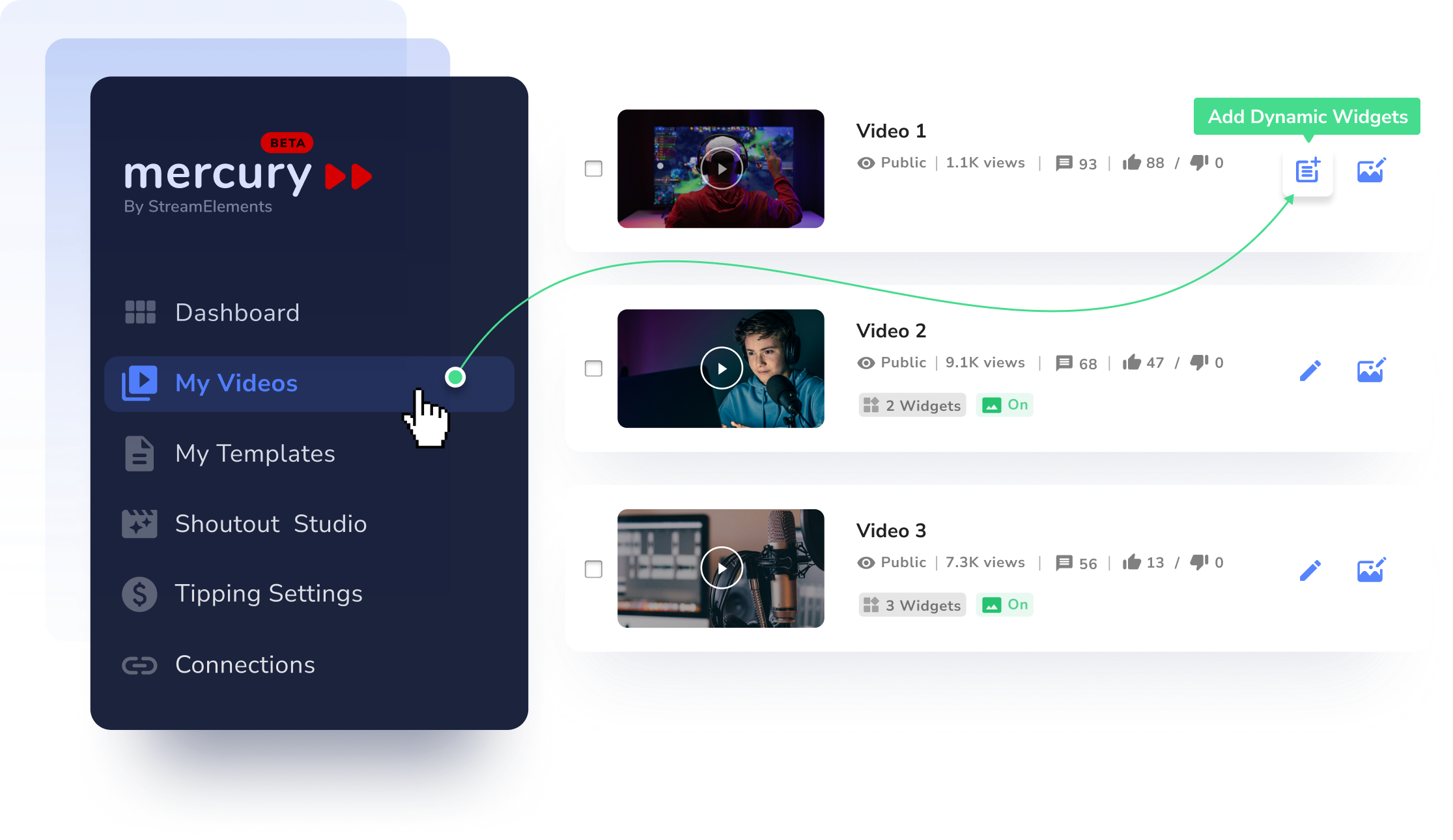
Step One
Customize Dynamic Description
Here you'll see your video's description. Go ahead and drag in a "Newest Member" or a "Memberships goal" widgetand watch them transform your description. Customize your text and click 'APPLY TO VIDEO' and voila! From now on, your video description will always be automatically updated with your latest membership data. Ain't it cool?
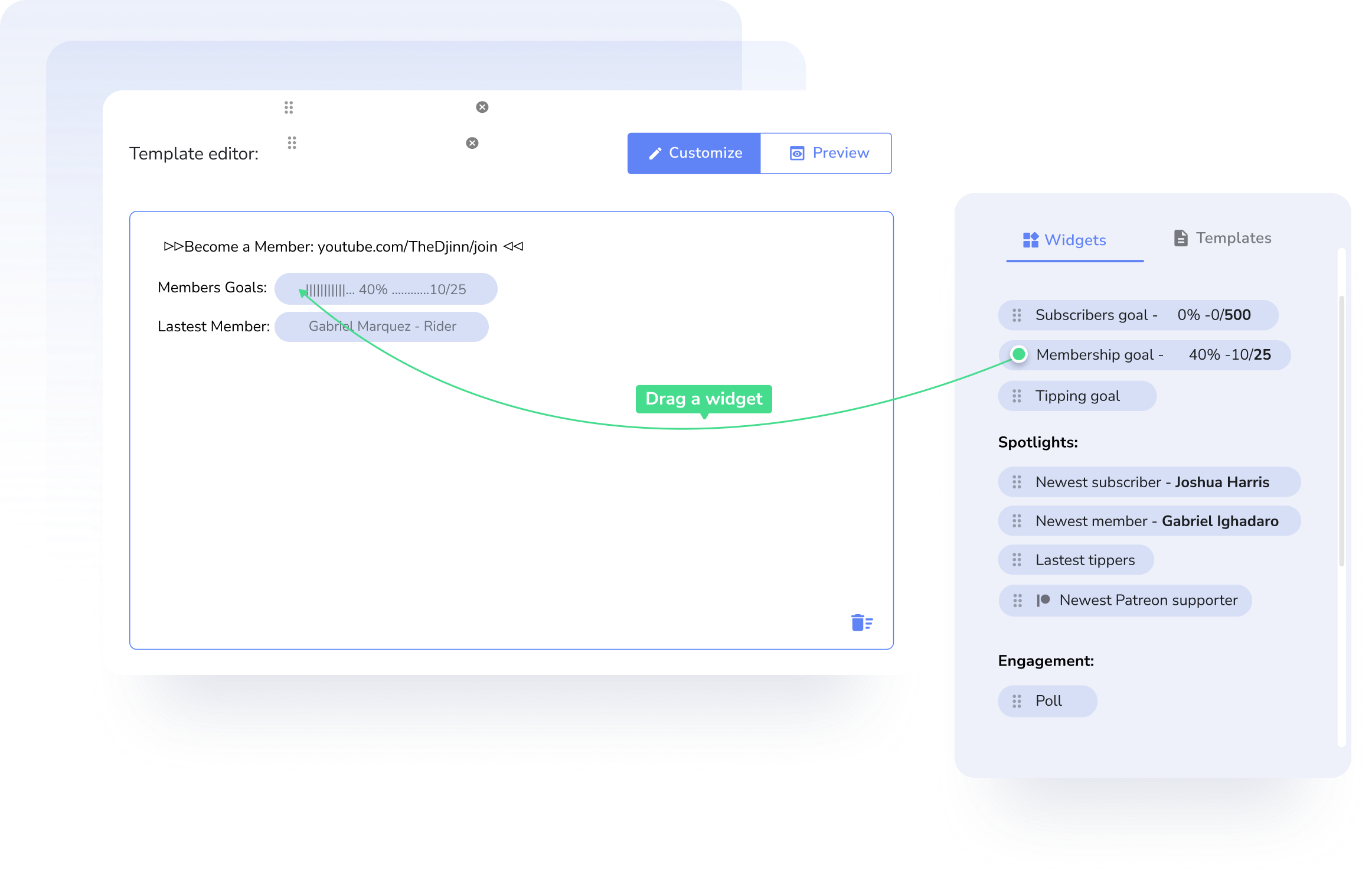
Step Two
VOD CONTENT ON YOUTUBE
Shoutout Studio
Show love, build loyalty and keep the fans coming back
Create a Shoutout
Just log-in to Mercury, choose ‘Shoutout Studio’ on the left bar and click on ‘CREATE A SHOUTOUT’
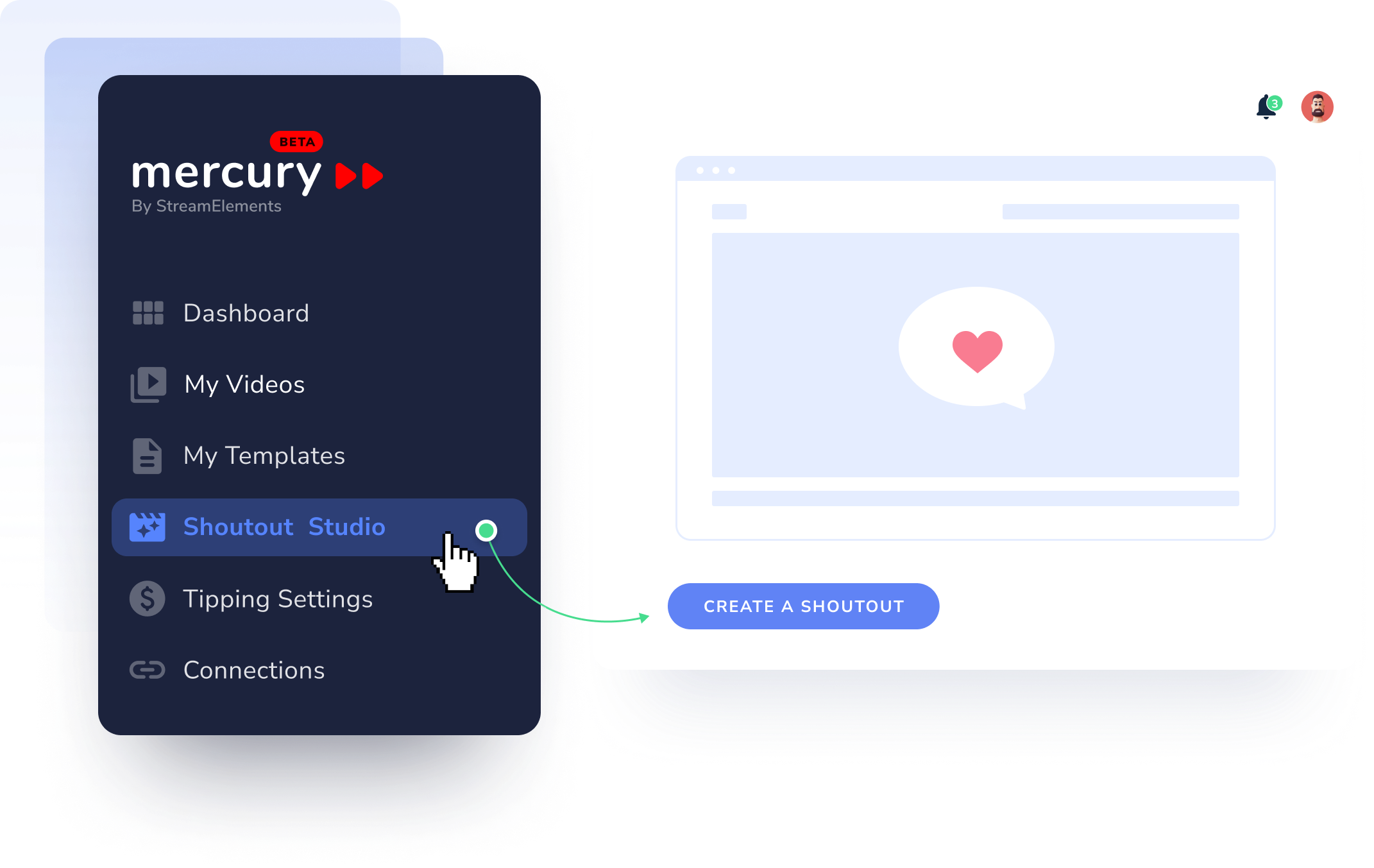
Step One
Render Shoutout
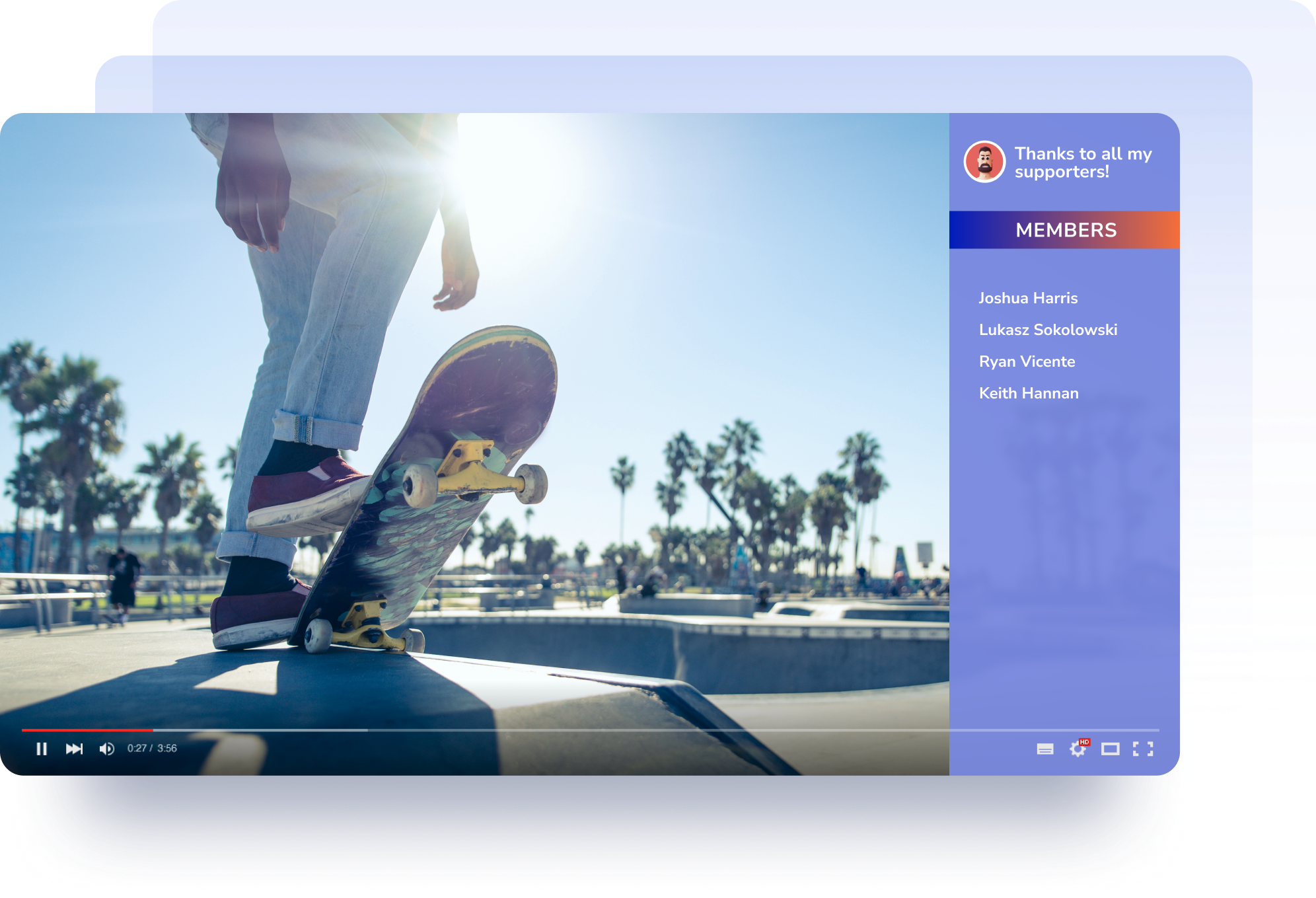
Choose ‘Shoutout my...’ > ‘members’ and edit the starting date, number of names and speed. Save your shoutout and render it as a Mov or Webm file. From now on, whenever you re-render the shoutout, it will keep your customization, but use the latest data. So you can shoutout your weekly members with a single click!
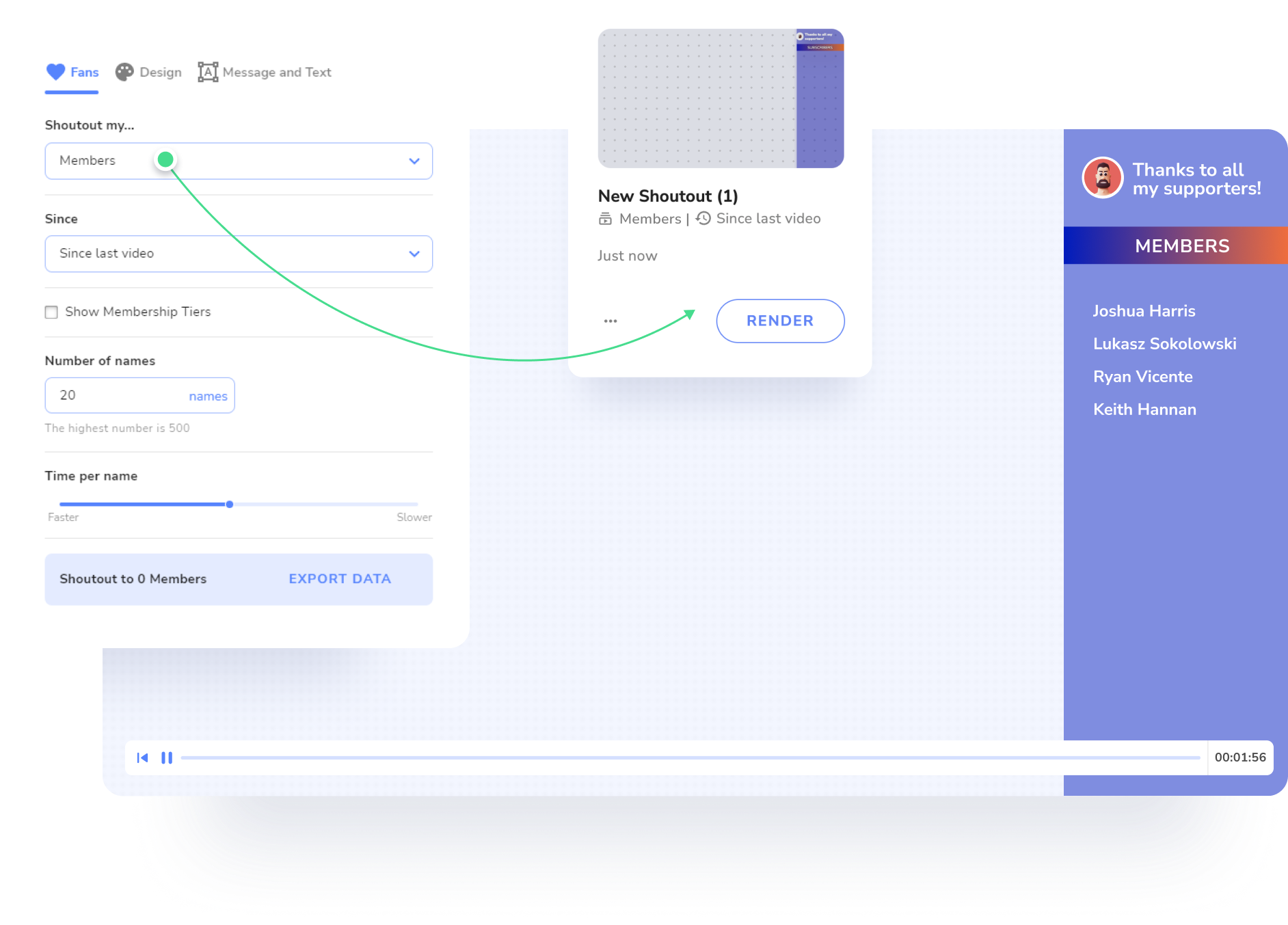
Step Two
Add the Layer
Add the transparent file to your next video with any editing software you use. Your cheers are ready to roll!
Step Three
Learn more ways to shoutout and engage on your YouTube channel
Live-Streamer on YouTube
Live shoutout overlays
Real-Time pop-up alerts for live stream celebrating your newest YouTube channel members
Sign in to StreamElements
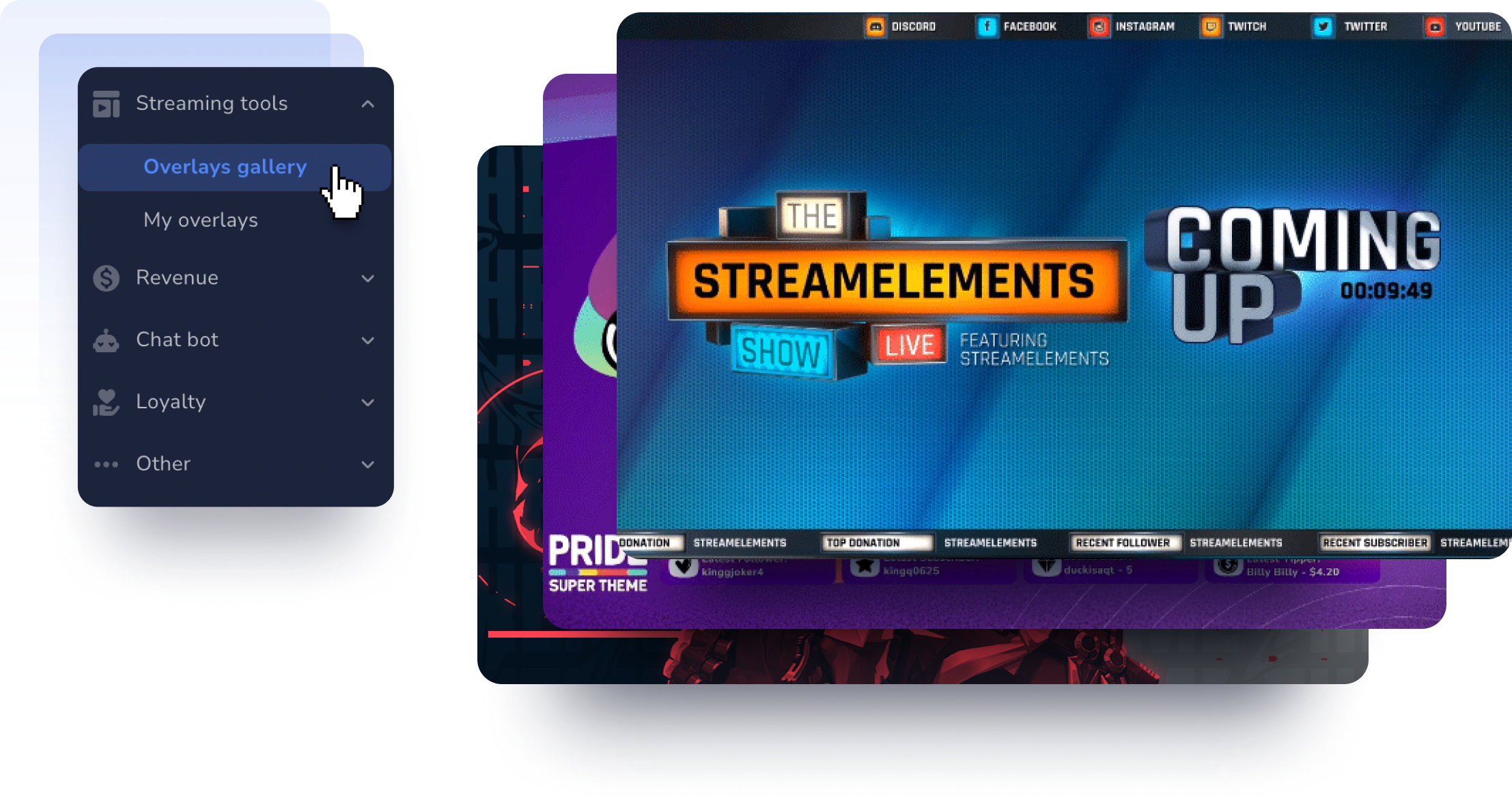
Head to StreamElements, sign in with your YouTube account, and you're on your way. Browse our library of high quality stream themes, alerts and widgets, or go wild and create your own!
Step One
Welcome to the Overlay Editor
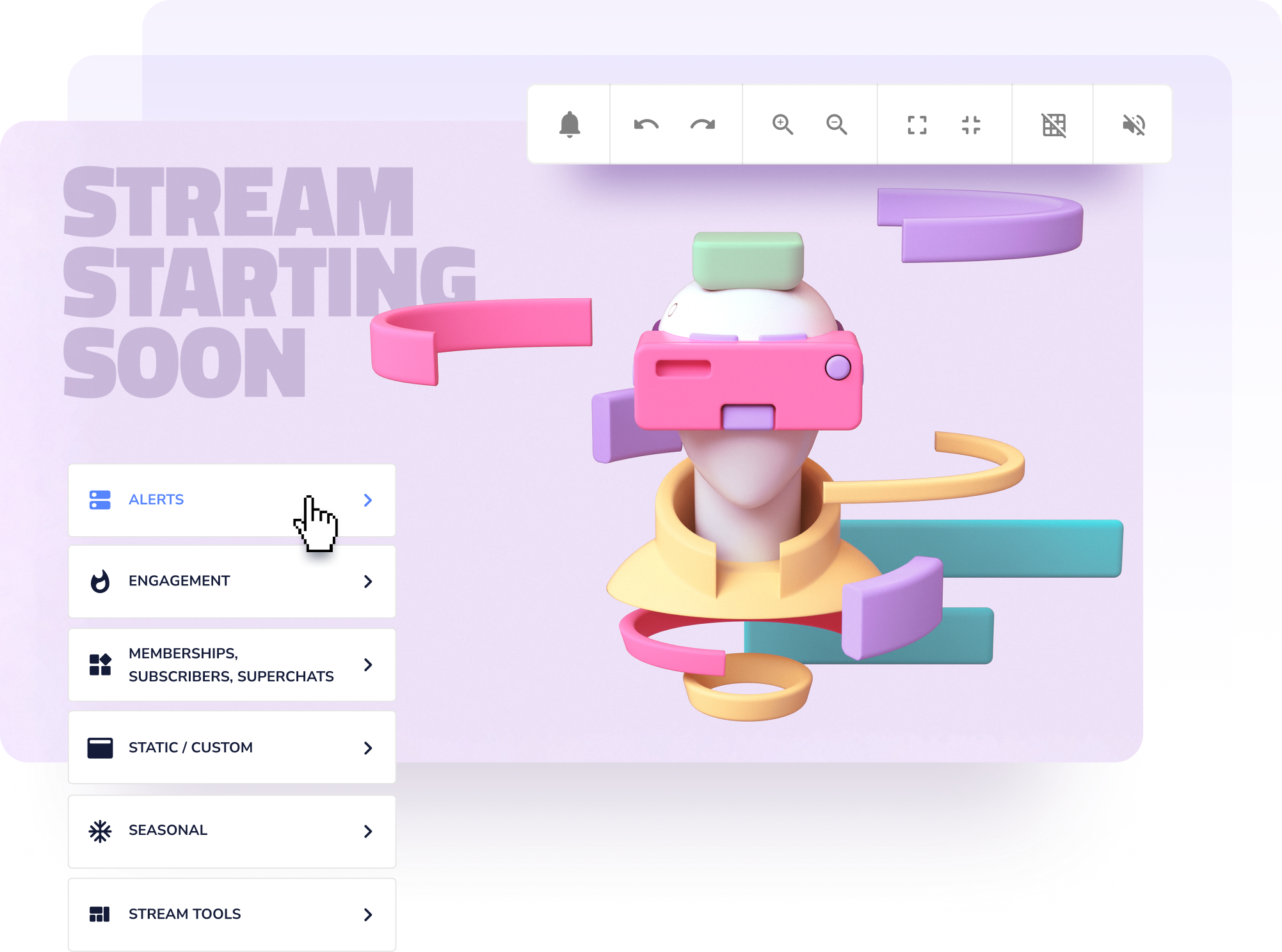
Here you can tweak and customize your alerts, emulate how it will look on your stream, and add any other widgets you wish.
Step Two
Get Ready to Go Live!
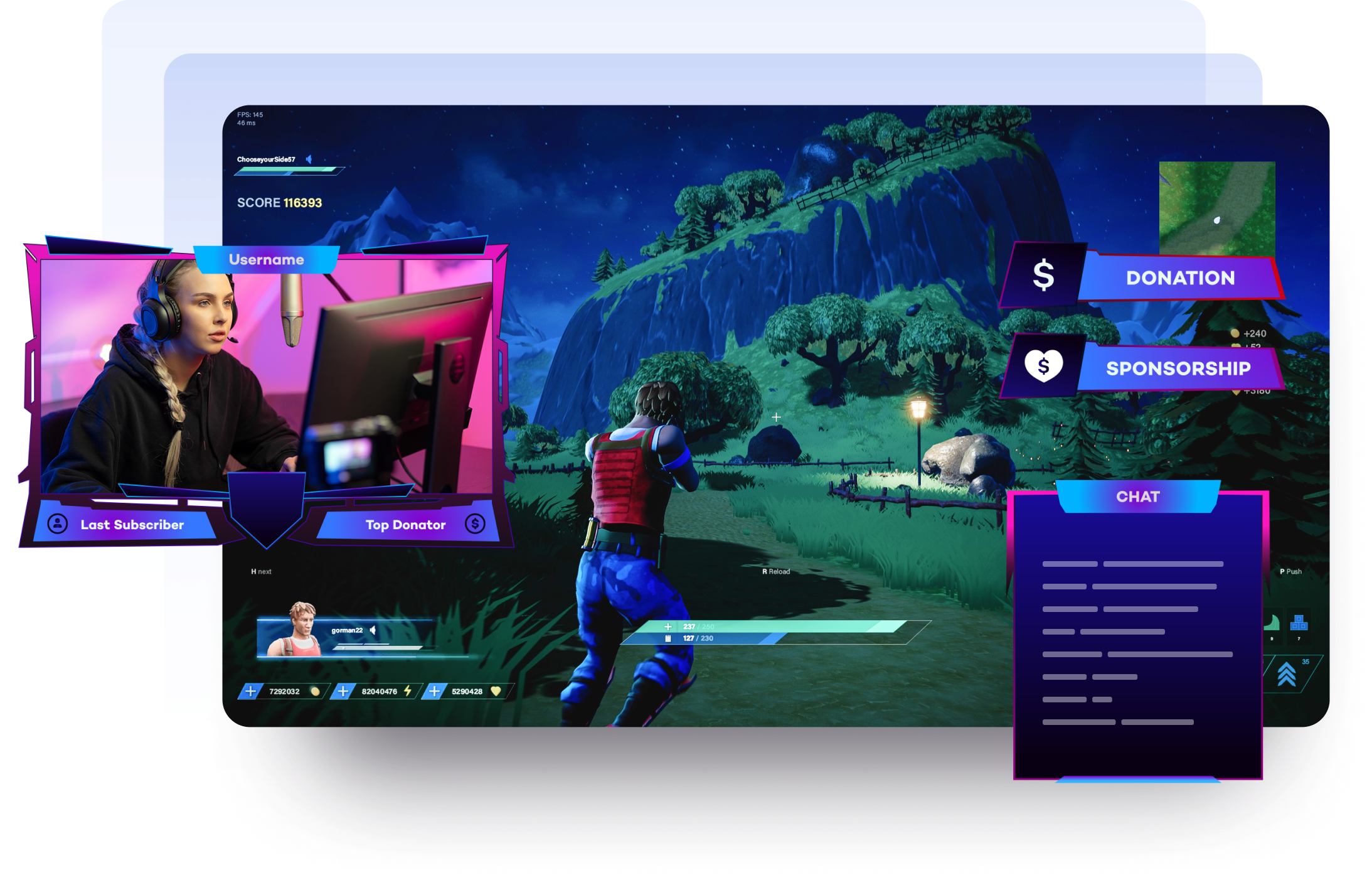
Add your overlays to your streaming software, and start showing love to your viewers in stream! (we recommend OBS Studio with our SE.live plug-in, but any software that supports Browser Sources works.)
Step Three
Learn more ways to shoutout and engage on YouTube live stream